
Conversora AI Employee: Autonomy, Capabilities & Operating Modes
Meet Aura, your autonomous retail sales employee that answers customer questions, recommends products, applies promotions, and takes orders 24/7 across social channels.
- Understand the difference between traditional rigid chatbots and Conversora's autonomous AI sales employee.
- Explore Aura's core capabilities: product recommendations, stock availability, discounts, and order drafting.
- Switch between Full Autopilot mode (instant replies) and Co-Pilot mode (drafts for staff approval).
- Observe how Aura automatically detects customer frustration or complex inquiries and escalates them to human staff.
Before configuring this feature, confirm that your store meets the following requirements:
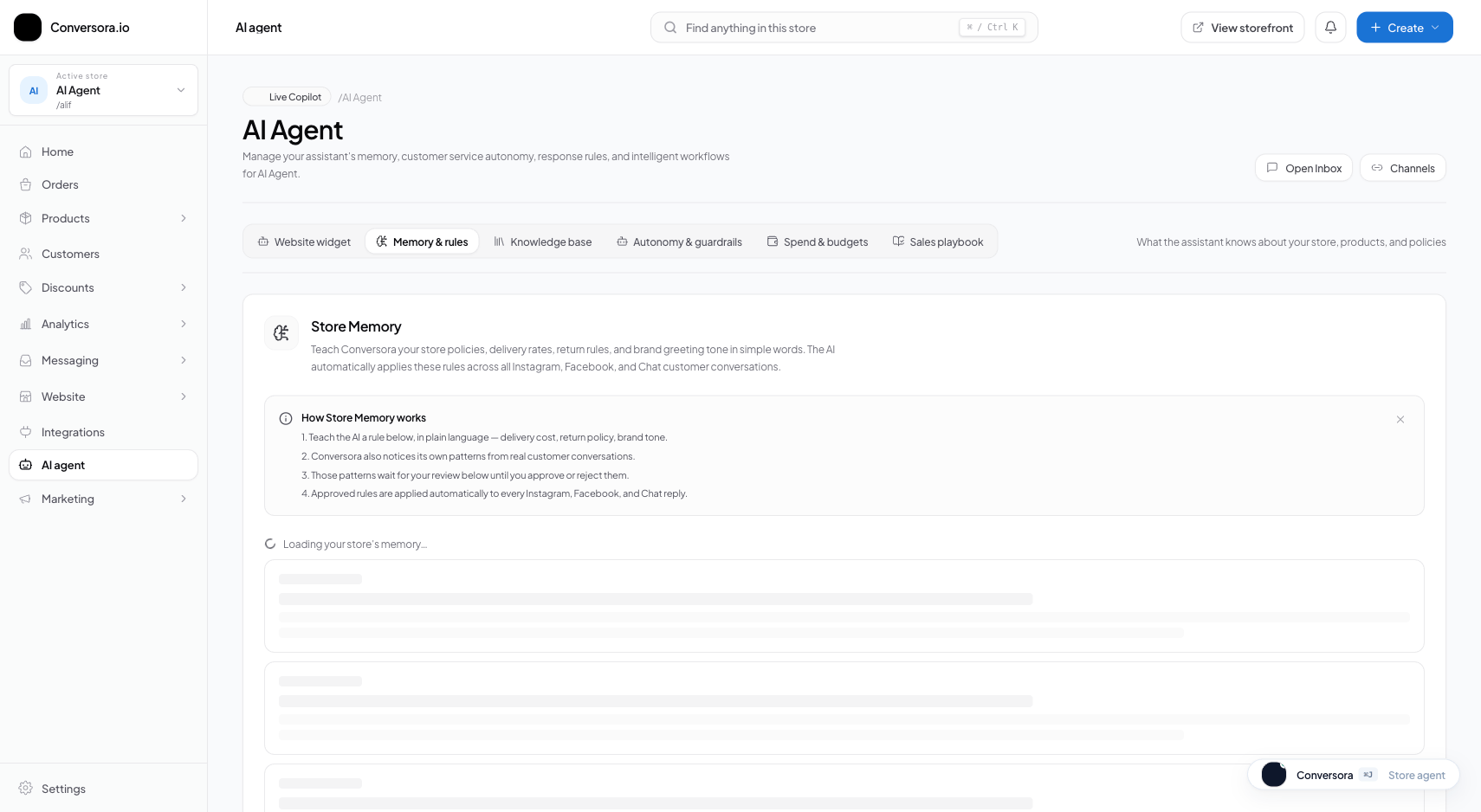
Interface view for this workflow.
1. Autopilot Mode vs. Co-Pilot Mode
Conversora offers two distinct operating modes to fit your operational workflow and comfort level:
- Full Autopilot Mode: Aura generates and dispatches replies automatically without human intervention. This mode is ideal for handling high message volumes during peak evening hours, weekends, or flash sales when human staff cannot respond instantly.
- Co-Pilot / Manual Review Mode: Aura analyzes incoming messages and drafts the ideal response in real time, but pauses the message in your Omnichannel Inbox. A human team member can review the draft, make edits if desired, and click 'Send'. This mode is perfect during initial store launch to build confidence in the AI's responses.
Access AI Overview
From the admin sidebar, select 'AI Employee' and navigate to 'Overview'.
Select Desired Mode
Toggle between 'Autopilot' and 'Co-Pilot' using the primary mode selector card.
Configure Reply Delay
Optionally set a natural typing delay (e.g., 2 to 5 seconds) so responses feel thoughtful and conversational.
2. Sales Capabilities & Order Drafting
Aura is engineered to drive revenue, not just answer generic questions. When a shopper expresses interest in a product, Aura actively assists them through the purchase funnel.
When a customer confirms they wish to purchase, Aura asks for their recipient name, delivery address, phone number, and preferred payment method (e.g. Cash on Delivery or bKash). Aura validates that the phone number matches local formatting standards and creates a draft order in your Orders workspace, sending the customer an official order confirmation link with invoice details.
Review Order Drafting Settings
Navigate to AI Employee > Sales Rules to ensure order capture is enabled.
Enable Direct Storefront Links
Enable 'Include Storefront Checkout Links' so customers can complete payments via web checkout if they prefer credit cards or digital gateways.
Allowing Aura to take orders directly in the chat increases conversion rates by up to 35% among customers who find traditional checkout forms tedious on mobile devices.
Practical Business Scenarios
How leading merchants implement this functionality in daily operations:
Troubleshooting & Common Issues
Diagnose and resolve frequent failure points quickly:
Frequently Asked Questions
Can the AI hallucinate discounts or promise prices that do not exist?
No. Aura is governed by strict deterministic tool boundaries. It can only apply discounts that exist in your active Coupons table and cannot exceed your configured maximum discount ceiling.
What happens if a customer sends a photo or voice note?
Aura currently processes text and image inputs. If a customer sends an unsupported media type (such as an audio voice note), the system automatically flags the conversation for human staff review in your 'Needs You' queue.