
Exporting Financial, Inventory & Sales Reports (PDF / CSV)
Export itemized sales spreadsheets, inventory audits, and branded PDF executive financial summaries for accounting and business reviews.
- Export itemized order transaction spreadsheets in CSV format compatible with Microsoft Excel and Google Sheets.
- Download executive PDF sales summaries with visual revenue graphs and tax calculations.
- Generate inventory valuation reports showing on-hand stock quantities and inventory asset value.
- Filter exports by date range, payment gateway (Stripe vs COD), and fulfillment status.
Before configuring this feature, confirm that your store meets the following requirements:
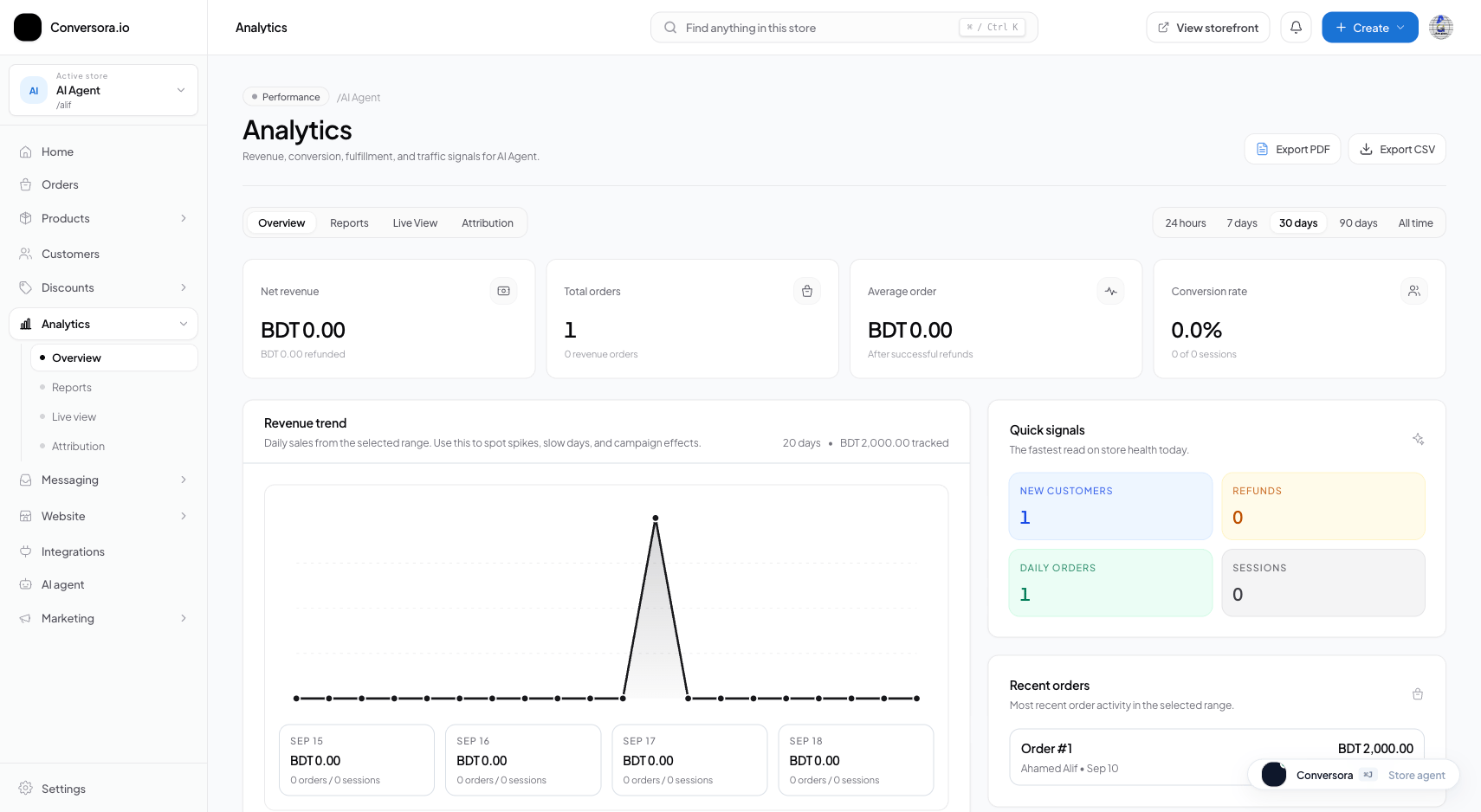
Interface view for this workflow.
1. Exporting Itemized Order Spreadsheets (CSV)
CSV exports are ideal for deep financial analysis, bookkeeping, or importing into external accounting software like QuickBooks, Xero, or Tally.
Navigate to Reports
From the admin menu, select 'Analytics' and click 'Reports'.
Select Report Type & Date Range
Choose 'Orders & Transactions' and select your date range (e.g. Last Month).
Click 'Download CSV'
Click the blue 'Export CSV' button. The spreadsheet file downloads immediately.
Practical Business Scenarios
How leading merchants implement this functionality in daily operations:
Troubleshooting & Common Issues
Diagnose and resolve frequent failure points quickly:
Frequently Asked Questions
Is there a limit on how many orders I can export in one CSV file?
Conversora supports exporting up to 50,000 orders in a single file via streaming.