
Discounts, Promo Coupons & Digital Gift Cards
Create high-converting promotional coupon codes (percentage or fixed amount), set minimum order spends, and issue customer gift cards.
- Create percentage discounts (e.g. 15% off) or fixed monetary vouchers (e.g. $10 off).
- Set rules: minimum order spend, maximum total redemptions, and automatic expiration dates.
- Empower Aura Bot to offer authorized promotional coupons in chat conversations.
- Issue digital gift cards with unique redemption codes and real-time balance tracking.
Before configuring this feature, confirm that your store meets the following requirements:
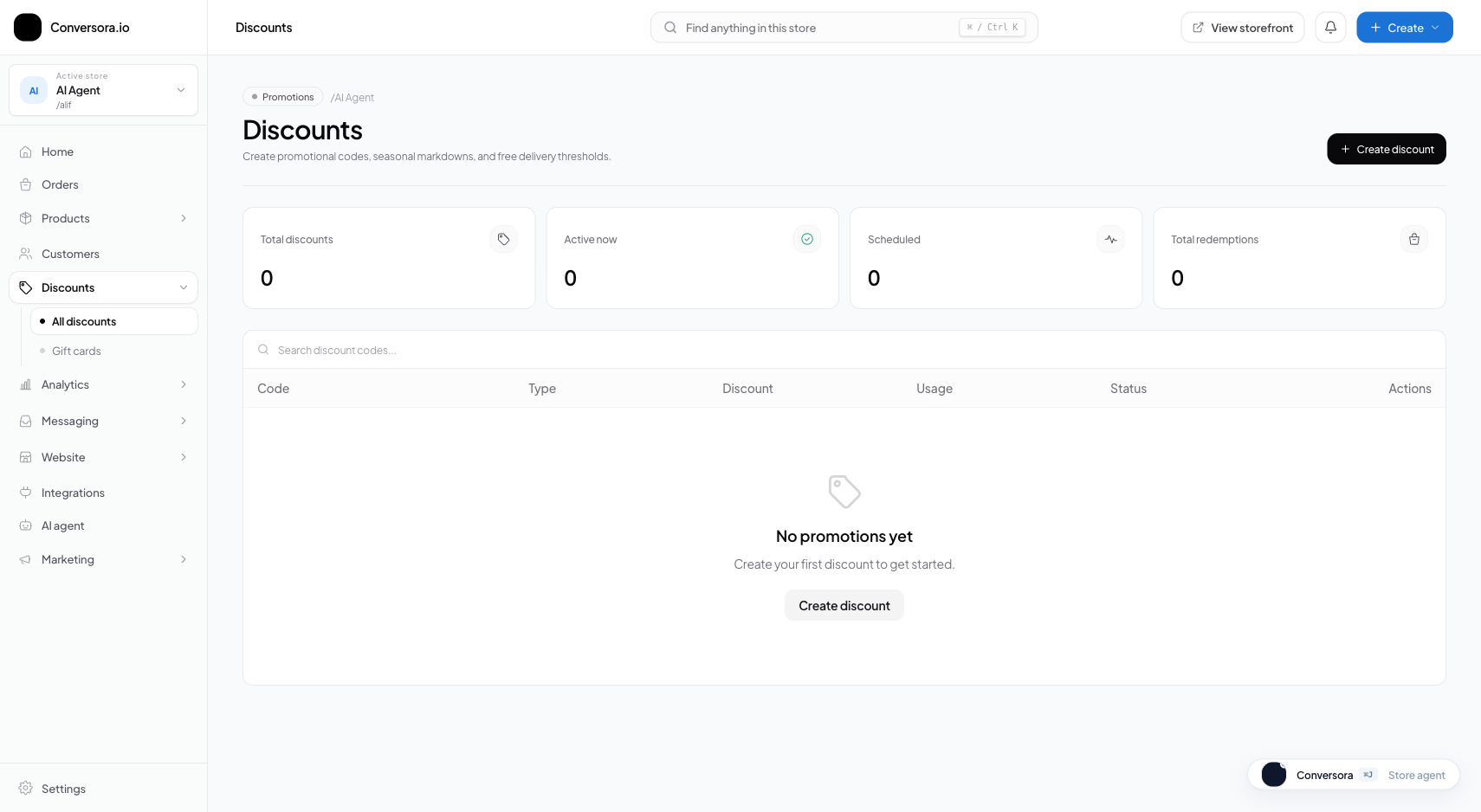
Interface view for this workflow.
1. Creating a Promotional Coupon Code
Creating a coupon takes less than a minute. Choose an easy-to-remember uppercase code and specify the discount value.
You can restrict coupons to specific categories (e.g. 'Footwear only') or apply them across the entire store.
Navigate to Discounts
From the admin menu, select 'Discounts' and click '+ Create Coupon'.
Specify Code & Value
Enter the code (e.g. SAVE15), choose discount type (Percentage or Fixed Amount), and enter the value (e.g. 15).
Set Restrictions & Expiration
Optionally specify a minimum purchase spend and expiration date, then click 'Save Coupon'.
Practical Business Scenarios
How leading merchants implement this functionality in daily operations:
Troubleshooting & Common Issues
Diagnose and resolve frequent failure points quickly:
Frequently Asked Questions
Can customers use multiple coupon codes on a single order?
By default, Conversora allows one promo code per order to protect merchant profit margins.