
Headless Commerce REST API & Webhook Subscriptions
Integrate Conversora with custom mobile apps, external ERPs, point-of-sale systems, and warehouse barcode scanners using our secure REST API.
- Generate scoped API tokens with granular permissions (Read Products, Manage Orders, Update Stock).
- Access headless REST endpoints for products, collections, checkout, and inventory synchronization.
- Subscribe to real-time webhook events (order.created, order.paid, inventory.low) with HMAC signatures.
- Benefit from global edge API execution with sub-40ms response times worldwide.
Before configuring this feature, confirm that your store meets the following requirements:
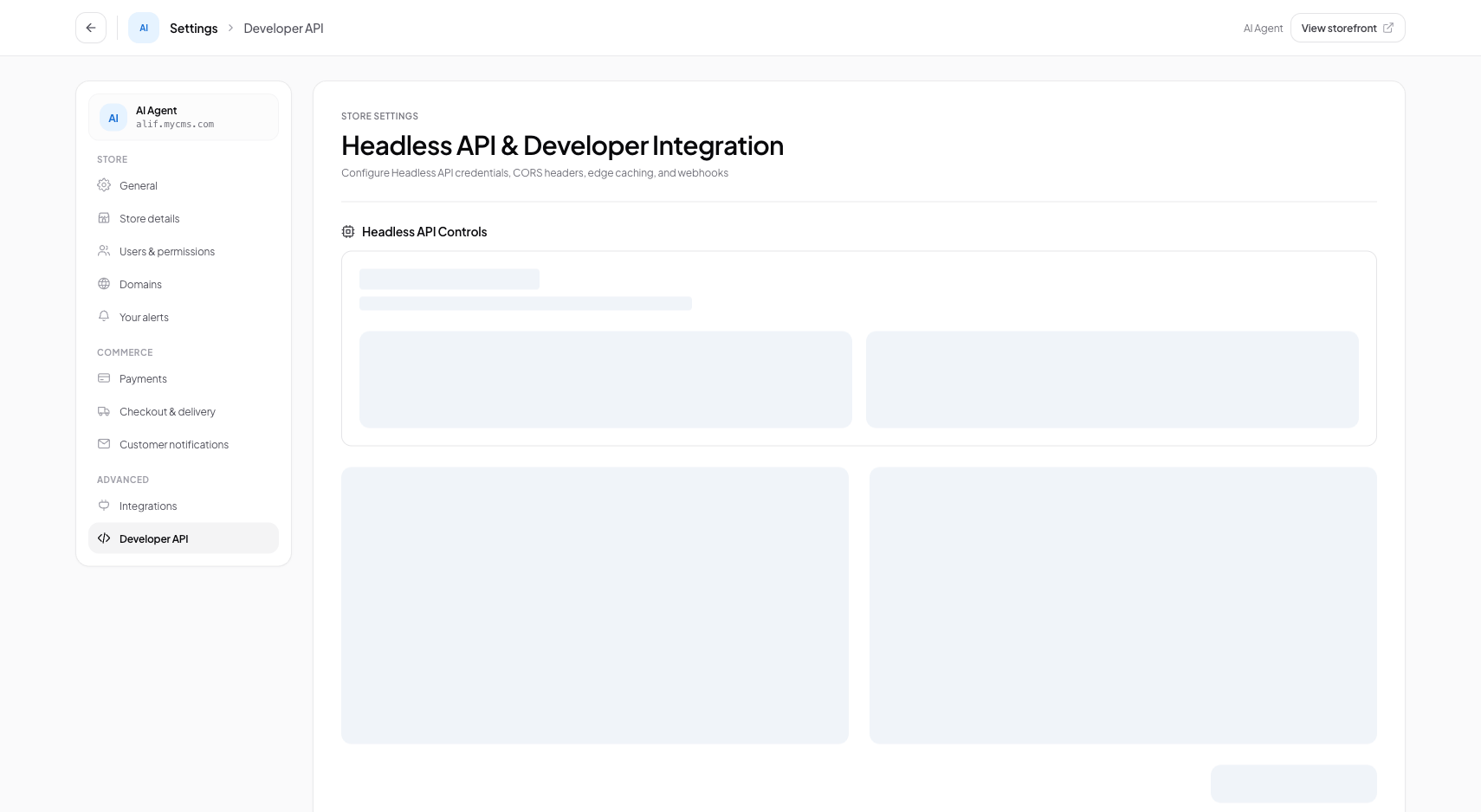
Interface view for this workflow.
1. Generating & Scoping API Tokens
Create API keys with the minimum required permissions necessary for your integration.
Navigate to Developer Hub
From the admin menu, select 'Settings' and click 'Developer & API'.
Create API Key
Click '+ Generate New Key', provide a descriptive label (e.g. 'Warehouse POS Scanner'), and select permitted scopes.
Copy Secret Key
Copy your API Secret Key immediately. For security, it is never displayed again.
curl -X GET https://conversora.io/api/v1/products \
  -H "Authorization: Bearer conv_live_abc123xyz" \
  -H "Content-Type: application/json"
Practical Business Scenarios
How leading merchants implement this functionality in daily operations:
Troubleshooting & Common Issues
Diagnose and resolve frequent failure points quickly:
Frequently Asked Questions
Are headless API endpoints available on all plans?
Read-only catalog endpoints are available on all plans. Full write access and webhook subscriptions are available on Growth and Enterprise plans.