
Creating Custom Pages: About Us, Contact, Policies & FAQs
Create and publish SEO-optimized policy pages, brand stories, contact forms, and custom landing pages with rich text formatting.
- Publish essential informational pages: About Us, Shipping Policy, Privacy Policy, and Contact.
- Format content with rich headings, bullet lists, image embeds, and interactive contact forms.
- Configure SEO page titles, meta descriptions, and custom URL slugs for maximum search ranking.
- Automatically link published pages in your storefront footer and navigation menus.
Before configuring this feature, confirm that your store meets the following requirements:
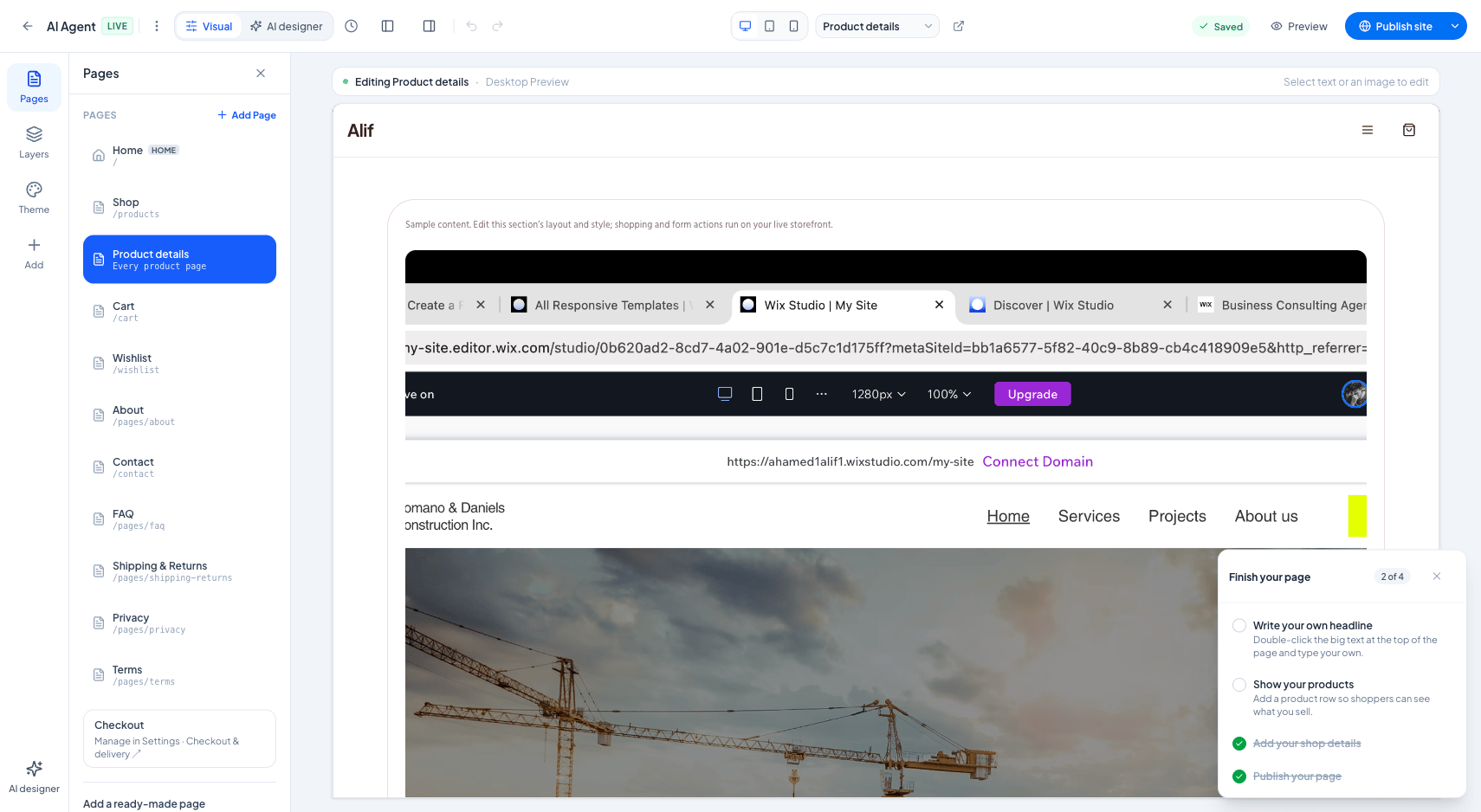
Interface view for this workflow.
1. Creating & Formatting a New Page
Creating a page takes only a few minutes. You can enter rich formatted text, insert images, and define a search-engine-friendly URL slug (e.g., /pages/return-policy).
Keep your language clear and accessible. Clearly state your exchange timelines and contact details to reduce disputes and customer chargebacks.
Navigate to Pages Workspace
From the admin menu, select 'Website Builder' and click 'Pages'.
Click 'New Page'
Click the blue '+ Create Page' button to open the page editor.
Input Title & Content
Enter your page title and write your content using the rich text formatting toolbar.
Publish
Set status to 'Published' and click 'Save Page'.
Practical Business Scenarios
How leading merchants implement this functionality in daily operations:
Troubleshooting & Common Issues
Diagnose and resolve frequent failure points quickly:
Frequently Asked Questions
Can I add contact forms to custom pages?
Yes. When creating a page, you can enable the 'Include Contact Form' toggle to render an interactive inquiry form that routes submissions to your support email.