
Troubleshooting: Meta OAuth Reconnection & Permission Fixes
Learn how to resolve expired 60-day user tokens, Facebook Page password reset invalidations, and reconnect Instagram DMs in under 60 seconds.
- Understand why Meta access tokens expire every 60 days or when passwords change.
- Execute a clean one-click reconnection without losing historical chat history.
- Verify that Instagram Business Messaging permissions remain active in Meta Business Suite.
- Check webhook health and clear temporary delivery pauses.
Before configuring this feature, confirm that your store meets the following requirements:
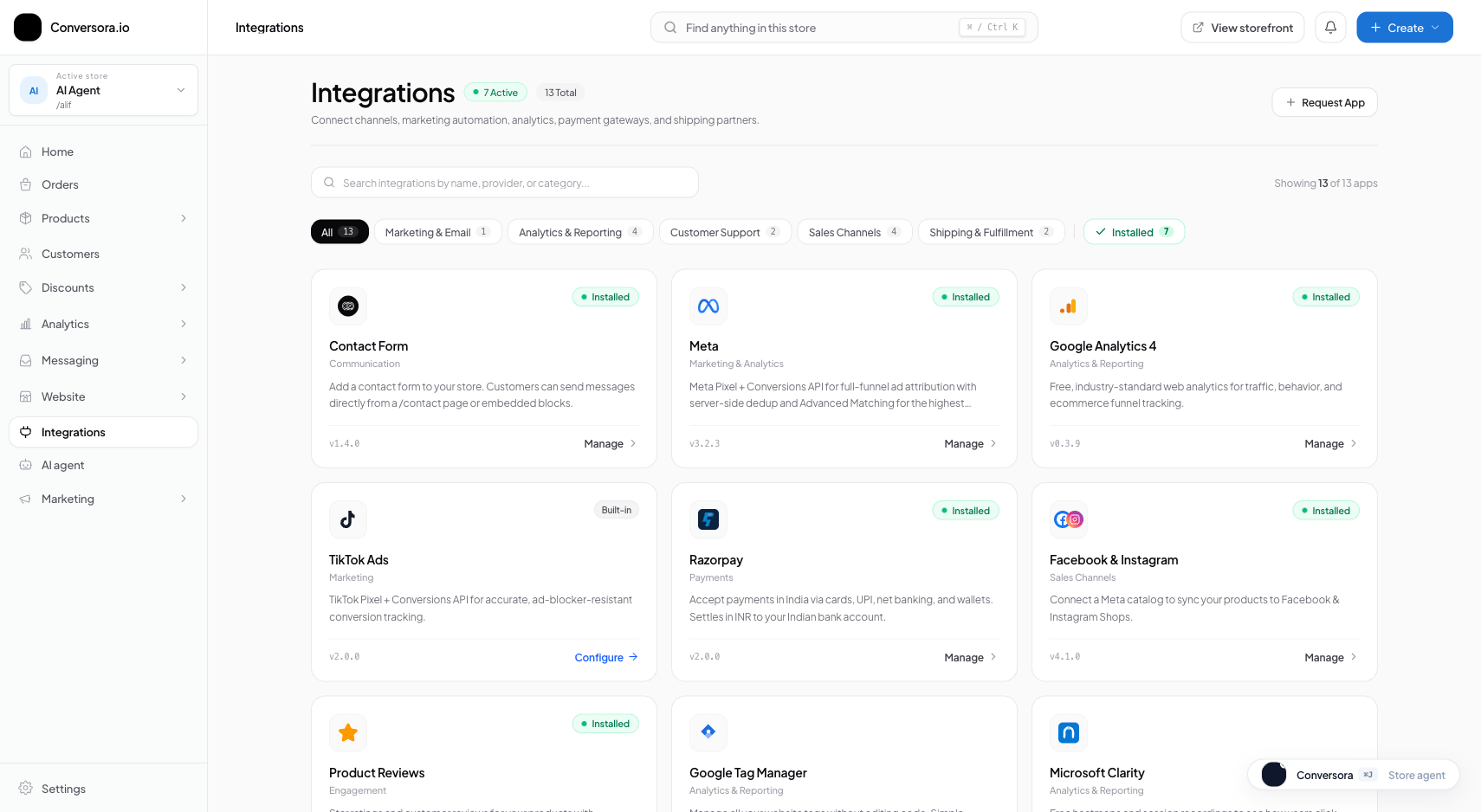
Interface view for this workflow.
1. One-Click Reconnection Walkthrough
Reconnecting takes only three clicks from your admin console.
Navigate to Connections
From the admin menu, select 'Messaging' and click 'Connections'.
Click 'Reconnect Channel'
Locate the affected Meta card showing the orange warning badge and click 'Reconnect'.
Complete Meta Authorization
In the Meta popup, confirm your assets and click 'Save'. The badge turns green 'Connected'.
Practical Business Scenarios
How leading merchants implement this functionality in daily operations:
Troubleshooting & Common Issues
Diagnose and resolve frequent failure points quickly:
Frequently Asked Questions
Will reconnecting delete my previous customer conversations?
No. All past chat transcripts, customer details, and order history are preserved safely in your store database.