
Automatic PDF Invoices & Printable Customer Receipts
Generate legally compliant, branded PDF tax invoices, warehouse packing slips, and 80mm thermal receipts with automatic QR and barcode generation.
- Automatically generate professional A4 PDF invoices and 80mm thermal receipts for every order.
- Customize brand headers with your store logo, registered tax ID, return policy, and signature.
- Print packing slips for warehouse fulfillment with scannable order barcode identifiers.
- Allow customers to download their official PDF invoice directly from order confirmation pages.
Before configuring this feature, confirm that your store meets the following requirements:
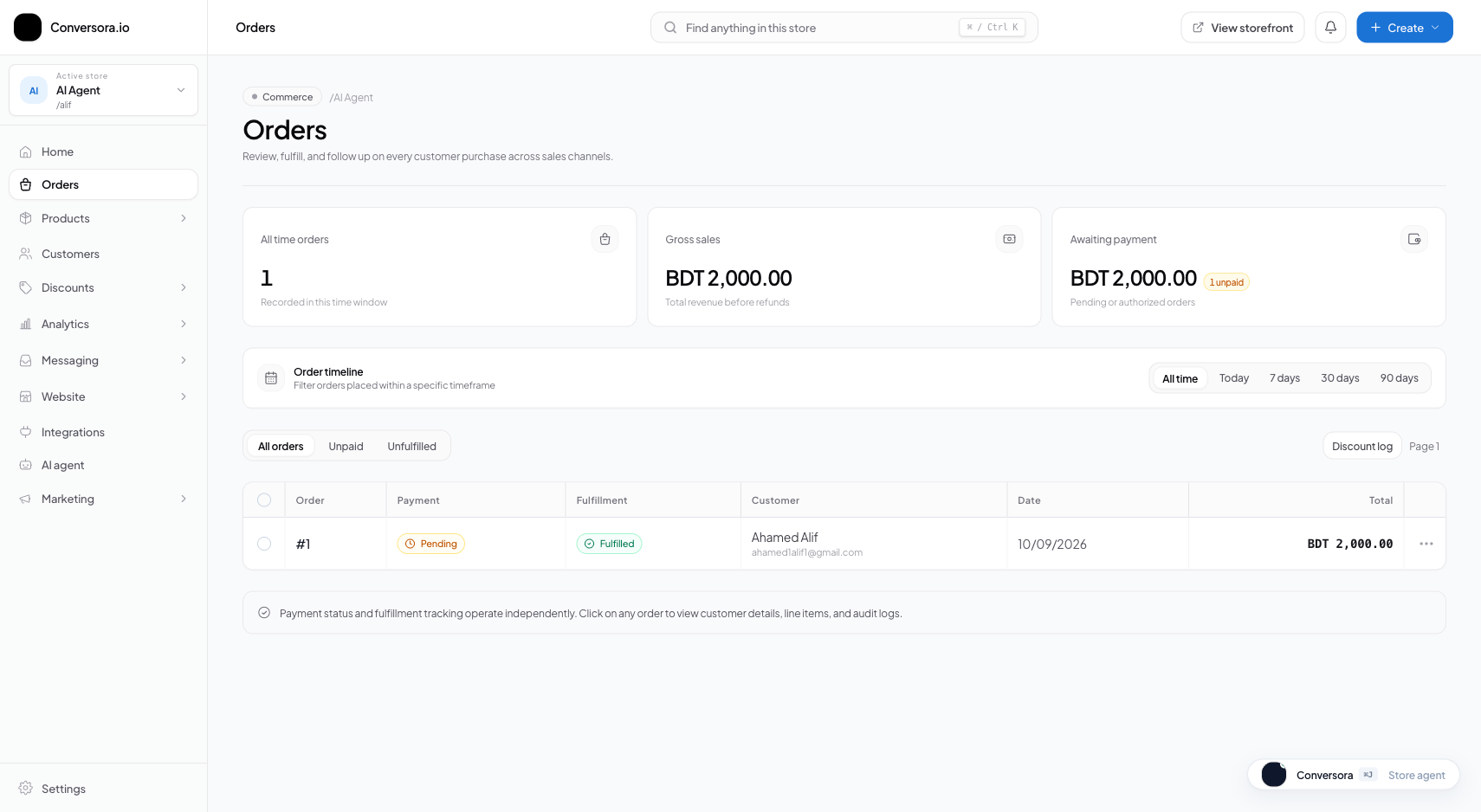
Interface view for this workflow.
1. Generating & Printing Invoices
You can generate a PDF invoice from any individual order drawer or print invoices in bulk for entire batches of daily shipments.
Invoices display your brand logo, legal address, order date, payment method, and complete itemization.
Open Target Order
From the Orders list, click on the order you wish to invoice.
Click 'Print Invoice'
Click the 'Print Invoice' button in the order header. A formatted PDF preview opens.
Print or Download
Print directly to your connected office printer or save the PDF file to your computer.
2. Printing 80mm Thermal Courier Receipts
If your warehouse uses standard 80mm roll thermal label printers (such as Xprinter, Zebra, or Epson POS printers), select the 'Thermal Receipt' format.
This format eliminates margins and formats barcodes vertically for instant scanning by courier dispatchers.
Select Thermal Format
In the Print dropdown, choose 'Thermal Receipt (80mm)'.
Send to Thermal Printer
Select your thermal printer and 80mm paper roll size in your operating system print dialog.
Practical Business Scenarios
How leading merchants implement this functionality in daily operations:
Troubleshooting & Common Issues
Diagnose and resolve frequent failure points quickly:
Frequently Asked Questions
Can customers download their invoice themselves?
Yes. Every customer order confirmation page includes a prominent 'Download PDF Invoice' button.