
Adding Products, Multi-Option Variants & SKU Tracking
Manage your product catalog, build multi-option variant combinations (Size x Color), track physical inventory, and prevent overselling.
- Create single-item products or generate multi-attribute variant matrices (Size, Color, Material).
- Assign distinct SKU barcodes, prices, compare-at discounts, and inventory counts to each variant.
- Enable automated inventory tracking with low-stock warnings and out-of-stock checkout guards.
- Attach variant-specific images so the storefront photo swaps dynamically when shoppers pick a color.
Before configuring this feature, confirm that your store meets the following requirements:
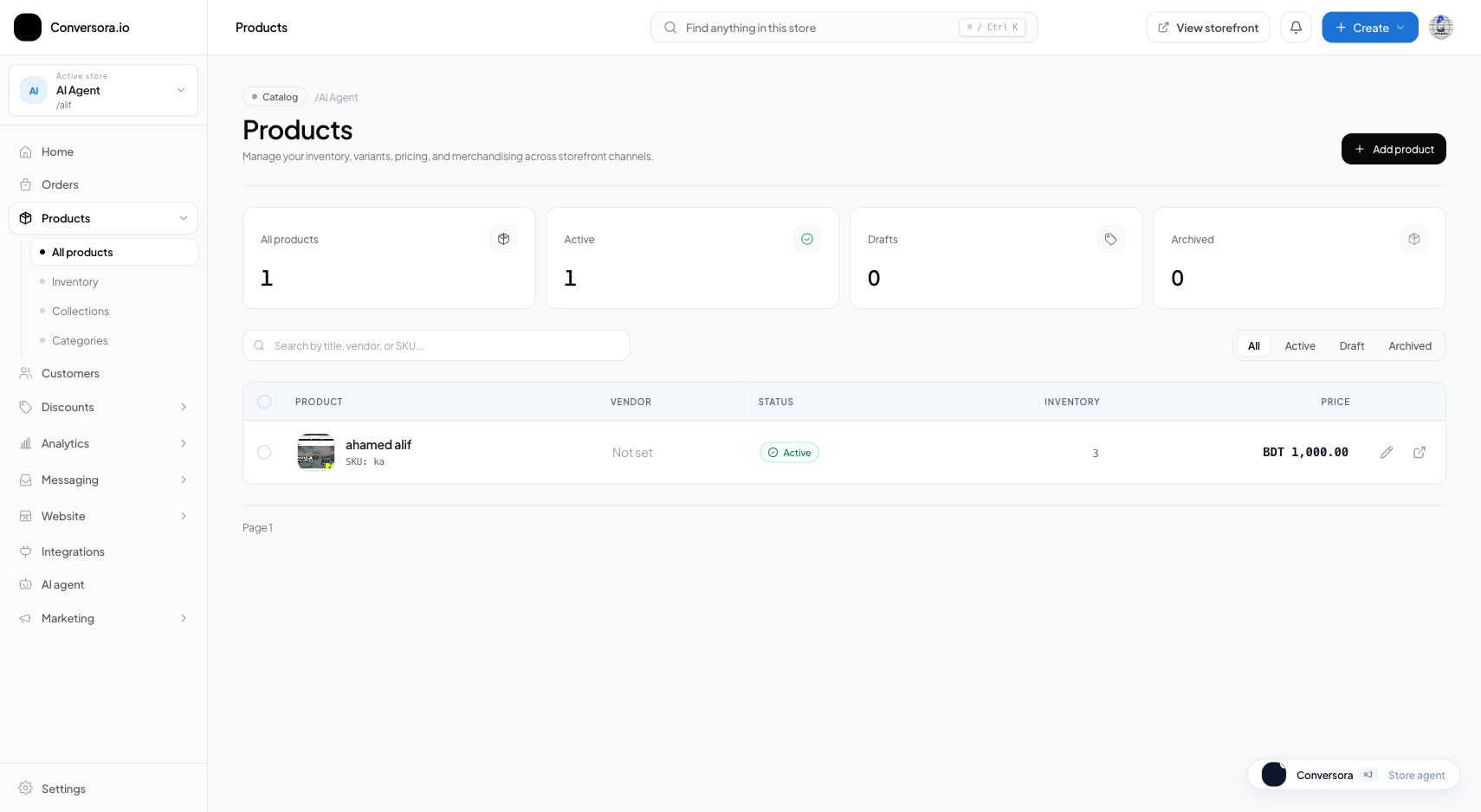
Interface view for this workflow.
1. Creating a Standard Product
Standard products have no variations (e.g., a one-size canvas tote bag or a scented candle).
Provide a clear, search-friendly title, write an engaging description detailing materials and dimensions, upload your primary photos, and set your selling price and inventory count.
Navigate to Products
From the admin menu, select 'Products' and click '+ New Product'.
Enter Title & Description
Provide the product name and rich description explaining benefits, sizing, and care.
Set Price & Inventory
Enter your regular retail price and available on-hand stock quantity.
Publish
Set status to 'Active' and click 'Save Product'.
2. Building a Multi-Option Variant Matrix
When an item comes in multiple sizes, colors, or materials, enable the 'This product has variants' toggle.
You can add up to 3 option categories (e.g. Size, Color, Fabric). Conversora automatically computes the full matrix. You can then bulk-edit or individually set prices, SKUs, and stock quantities for each variant row.
Enable Variants Toggle
In the product form, scroll down to the Variants section and check 'This product has options like size or color'.
Define Options & Values
Enter option names (e.g. 'Size') and comma-separated values (e.g. 'S, M, L, XL'). Add secondary options like 'Color'.
Assign Stock & SKUs to Matrix
In the generated table, input specific inventory quantities and unique SKU barcodes for each combination.
Keep your SKUs standardized (e.g. TSHIRT-BLK-S, TSHIRT-BLK-M) to speed up warehouse packing and physical barcode scanning.
Practical Business Scenarios
How leading merchants implement this functionality in daily operations:
Troubleshooting & Common Issues
Diagnose and resolve frequent failure points quickly:
Frequently Asked Questions
Can different variants have different prices?
Yes. For example, a Size XXL shirt can be priced at $35 while standard sizes (S–XL) are priced at $30.
How many variants can a single product have?
Conversora supports up to 100 unique variant combinations per product, satisfying the needs of complex apparel and retail catalogs.